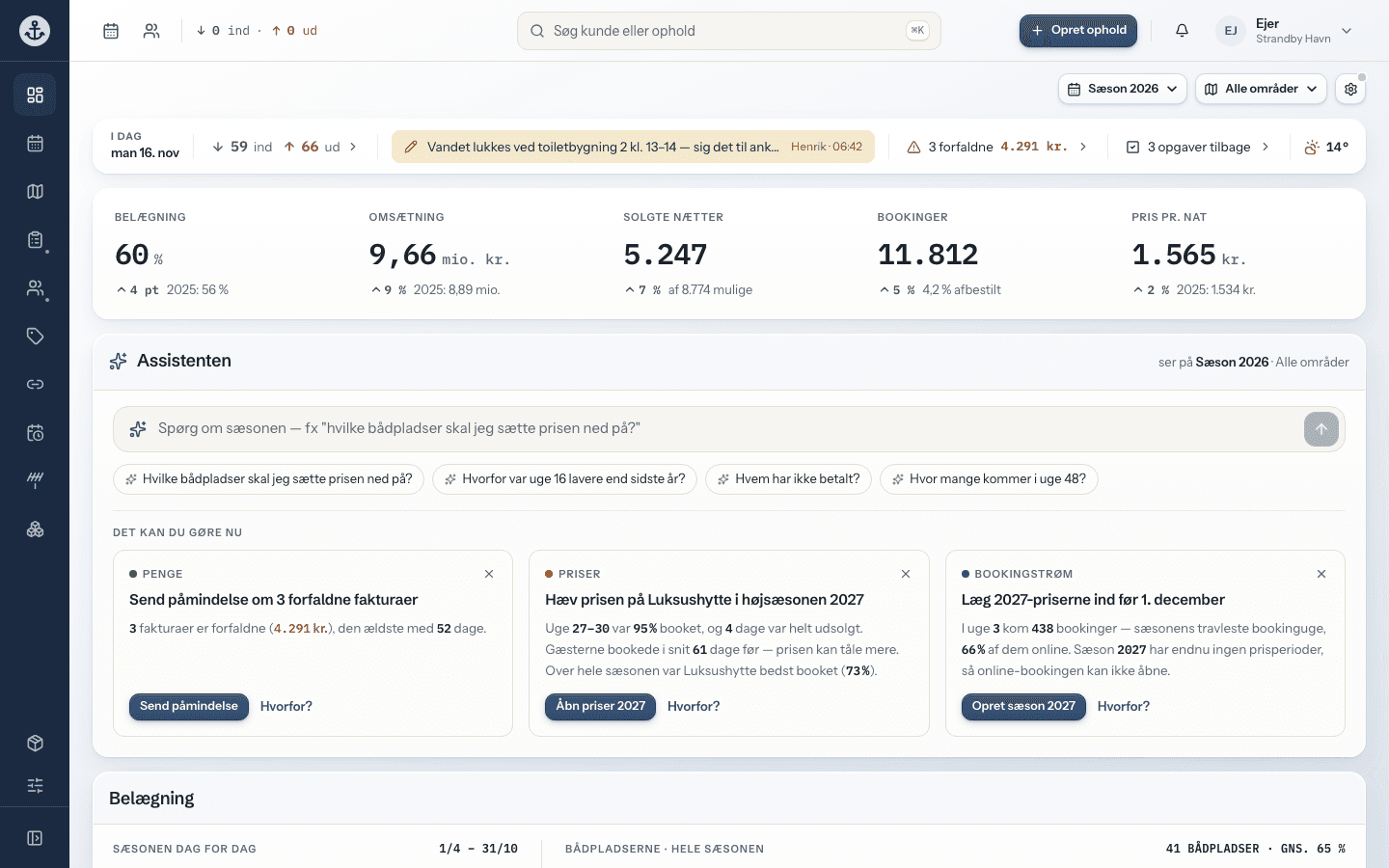
Occupancy day by day
The season’s occupancy as a ring, day by day, with the most booked and the most free berths next to it. See where there is room for more guests.
- Occupancy day by day
- Most booked and most free berths
- Comparison with last year
Features · Sailors & overview · 11
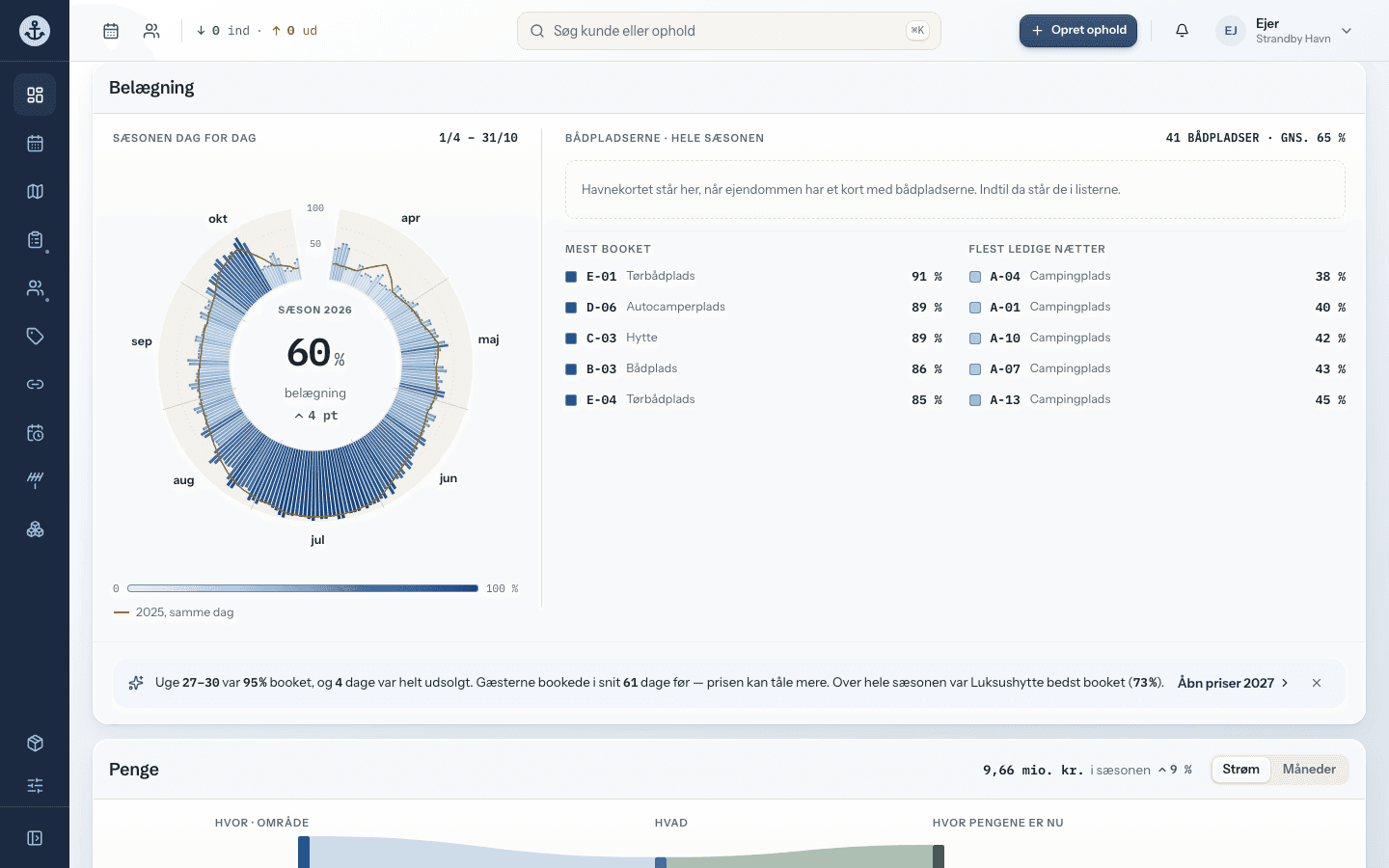
This season against last year. Occupancy, revenue and bookings on one page – and what is happening at the harbour today.

Overview is the first page the harbour office sees in the morning. At the top are today’s arrivals and departures, tasks and the weather – and below them the season’s five most important numbers against the same day last year.
Further down you can follow occupancy day by day, see where sailors come from, and how money and bookings are coming in. The assistant gives suggestions for what you can do now.
The season’s occupancy as a ring, day by day, with the most booked and the most free berths next to it. See where there is room for more guests.

Occupancy, revenue, nights sold, bookings and price per night – each with the change against the same day last year.
The globe shows where sailors come from, how many come back and how long they stay.
See revenue month by month, where the money comes from and what is still to be paid. The booking flow shows where and how early sailors book.
Today’s arrivals, departures and free berths, tasks, the weather and who is at work – all at the top of the page.
Yes. All five key numbers show the change against the same day last year, and occupancy can be compared day by day.
Yes. Overview shows overdue payments, and you can go straight to the bookings concerned.
Yes. The globe shows the countries, how many come back and how long they stay.